In a world where everything seems to have a hidden cost, the “invisible enemy” is often the overwhelming complexity of the social safety net. Many people qualify for assistance but never receive it because the system is hard to navigate. The paperwork and bureaucracy can feel overwhelming. Lack of guidance is more often the issue than a lack of assistance.
Fortunately, technology has stepped in to bridge this gap. In 2026, a specialized class of mobile utilities emerged to connect individuals directly with local nonprofits and government programs. By using a private app to find free services, you can bypass the confusion and get a tailored list of help available right in your neighborhood.
- Use This Tool to Discover Any ZIP Code You Want Instantly
- Eating at Home: The Best Food Delivery Services
- Fall Detection Apps That Connect to Emergency Services
Which app can I use to find free services?
The gold standard for navigating social care in the U.S. and Canada is findhelp, available on Android and iOS (formerly known as Aunt Bertha).
This app is a massive, pre-vetted network that lists over 970,000 program locations nationwide.
Unlike a standard search engine that might lead you to outdated blogs or predatory websites, findhelp is a Public Benefit Corporation dedicated to dignity and privacy.
The app is entirely free to use and operates as a “front door” to the complex world of human services.
It connects you with everything from local food pantries to legal aid, all while ensuring your search history remains private.
This is crucial for those who may be concerned about the stigma of seeking help or those who want to avoid their personal data being sold to advertisers.
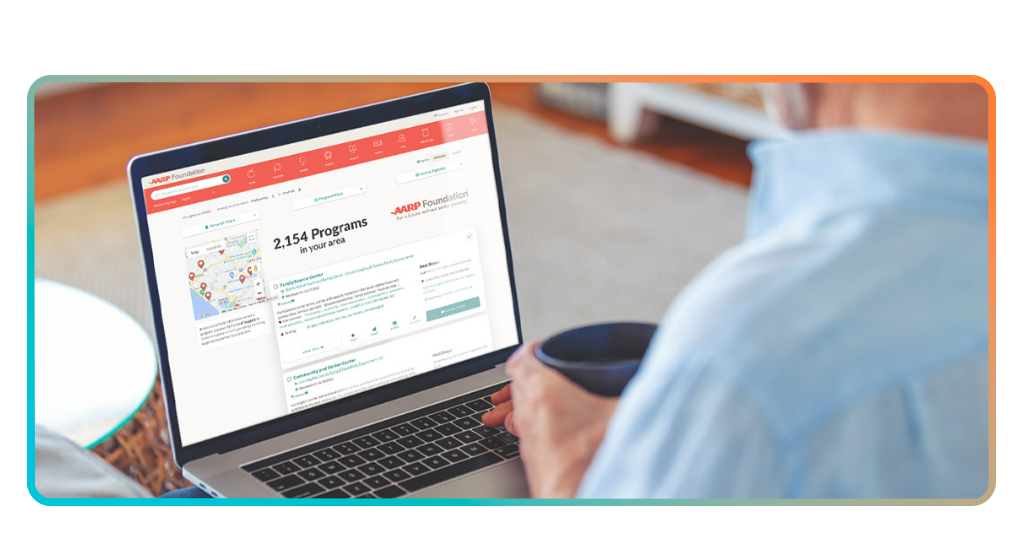
Step-by-step guide to finding free services on my cell phone
Finding help should be as easy as ordering a pizza. Here is how to use the findhelp app to locate resources in seconds:
Step 1: download and open
Install the app from the Google Play Store or Apple App Store.
Step 2: enter your zip code
On the home screen, simply type in your 5-digit ZIP code. This ensures the results are hyper-local.
Step 3: browse categories
Use the icon-based menu to select your primary need (Food, Housing, Health, etc.).
Step 4: filter results
You can narrow down your search by eligibility—such as “Veterans”, “Seniors”, or “Families with Children”—to find programs specifically designed for you.
Step 5: connect directly
Most listings include a “See Next Steps” button. This will show you exactly how to apply, whether it’s through a phone call, a website, or an in-person visit.

Types of free assistance and services available
The scope of what you can discover through high-utility social care apps is vast, moving far beyond traditional charity. In the public health sector, these resources are categorized as Social Determinants of Health (SDOH).
The World Health Organization (WHO) points out that these non-medical factors—where you live, what you eat, and your level of financial security—account for between 30% and 55% of health outcomes.
By using a digital directory to find free services, you are essentially accessing a preventative healthcare tool.
When a family secures stable housing or consistent nutrition, their reliance on emergency medical rooms drops significantly.
Food services
Food insecurity remains a critical challenge, with the USDA reporting that roughly 12.8% of U.S. households face difficulty providing enough food for all family members.
However, modern assistance has evolved past the “standard box of canned goods”. Through the app, you can locate:
- Specialized nutrition: programs that offer fresh produce “prescriptions”, as well as halal, kosher, or gluten-free options to respect religious and medical needs;
- Senior support: beyond “Meals on Wheels”, which serves over 2.4 million seniors annually, the app identifies “Senior Farmers’ Market Nutrition Programs” that provide vouchers for fresh, locally-grown fruits and vegetables;
- Bureaucracy bridges: finding help means long-term stability. The app connects users with local advocates who assist in navigating the SNAP (Supplemental Nutrition Assistance Program) application process, which can be notoriously difficult for first-time applicants.
Housing Services
The “Housing First” model—a strategy that prioritizes providing permanent housing to people experiencing homelessness—has gained massive traction.
The National Alliance to End Homelessness suggests that providing stable housing first makes individuals 3x more likely to successfully address underlying health or employment issues.
With the app, you’ll get a real-time database for:
- Eviction prevention: connection to emergency rental assistance funds and “Legal Aid” societies that provide free representation for tenants facing unfair eviction;
- Utility assistance: access to the LIHEAP (Low Income Home Energy Assistance Program), which helps families manage the surging costs of heating and cooling during extreme weather seasons;
- Transitional living: specialized directories for “Halfway Houses” or domestic violence shelters that provide a safe, temporary environment for those in immediate transition or crisis.
Health Services
Even with the expansion of healthcare access, the U.S. Census Bureau indicates that millions of Americans remain uninsured or underinsured.
The health category in the app acts as a vital bridge to Federally Qualified Health Centers (FQHCs) and “Free and Charitable Clinics”. Key assistance areas include:
- Mental Health & Crisis intervention: connection to community-based counseling centers that offer “sliding scale” fees (often $0) for those without insurance;
- Dental and Vision care: often the most overlooked part of healthcare, the app identifies local “Dental Days” and vision clinics that offer free screenings and subsidized eyeglasses;
- The “Diaper Bank” movement: recognizing that diapers can cost a family nearly $1,000 a year per child, the app maps out local diaper banks and “Baby Bundles” programs that provide essential supplies like car seats and formula to new parents in need;
- Prescription advocacy: assistance through programs like 340B Drug Pricing, which allows clinics to provide life-saving medications (like insulin or inhalers) at a fraction of the retail cost.
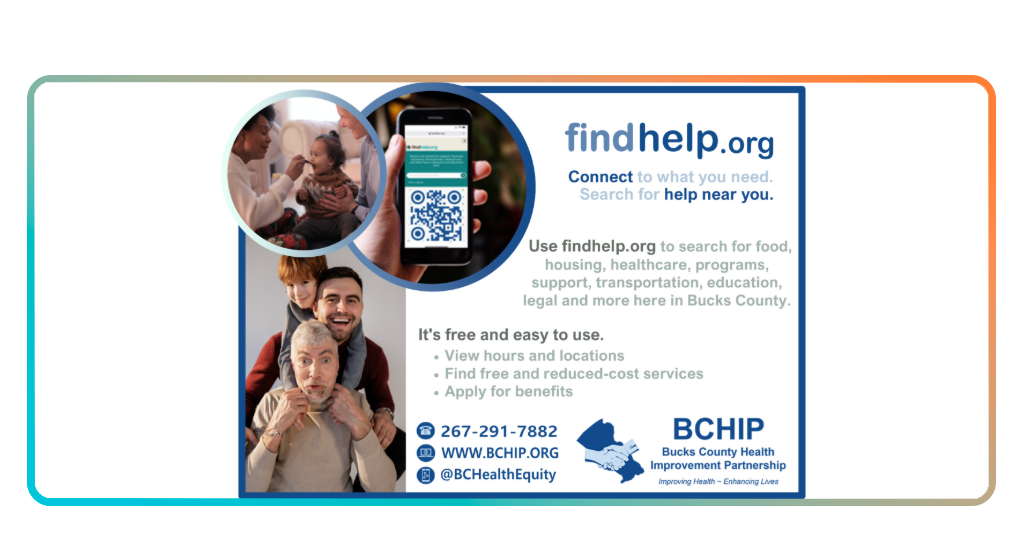
Documents needed to register for benefits
While the app itself is free and doesn’t require registration to search, the specific programs you find will likely need documentation to verify your eligibility. To speed up your application, try to have these “Core Five” documents ready:
- Photo ID: a driver’s license, state ID, or passport;
- Proof of income: recent pay stubs, a tax return, or an award letter from Social Security;
- Proof of address: a utility bill or a lease agreement;
- Social Security cards: for yourself and any dependents in your household;
- Birth certificates: especially important for programs targeting children or families.
Your safety net is just a click away
No one should have to choose between paying rent and buying groceries. When you decide to use a private tool to find free services, you are taking a proactive step toward stability and health.
If you are also looking to clean up your digital life to save money, check out our guide on managing unwanted subscriptions.