You’ve scrolled, posted, liked, and maybe overshared a little. But now you’re ready for a break — or maybe a full-on breakup — with social media. If you’ve reached that point where Instagram feels more like a chore than a connection, you’re not alone. Millions of users are looking for ways to hit pause or permanently walk away from the app.
The good news? You can delete Instagram for good in just a few minutes, no tech wizardry required. Whether you’re protecting your privacy, reclaiming your time, or just tired of endless reels, the process is quick, clear, and completely reversible, as long as you know what to save first. Say goodbye to Instagram in just a few taps.
- Check Instagram Username History with These Simple Methods
- Hide Instagram Activity for maximum privacy today
- How To Enable Two-Factor Authentication On Instagram?
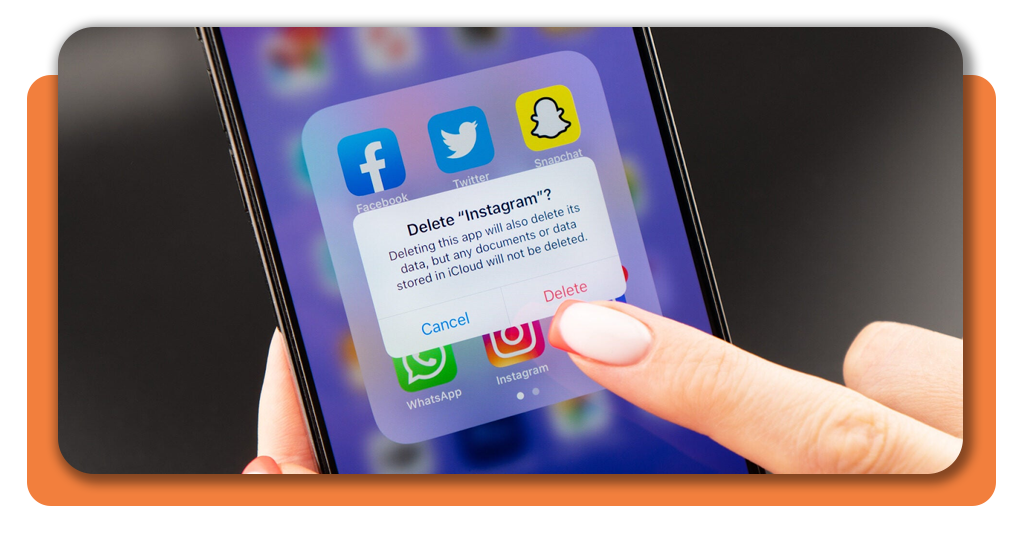
How to delete Instagram for good
Instagram doesn’t exactly make the “Delete Account” button easy to find, but it’s there, tucked away for those ready to make the leap.
Deleting your Instagram account permanently means all your photos, followers, and messages are gone for good. You can’t get them back once the grace period ends, so make sure you’re certain before you hit confirm.
Here’s what makes this decision final:
- Permanent deletion removes your photos, videos, comments, and profile data;
- You can’t reactivate your account after the 30-day deletion window passes;
- Logging in again during that window cancels the deletion automatically;
- If you only need a break, you can temporarily disable your account instead — a softer goodbye.
Want to see how Instagram features like location tagging work before you go? Take a look at our guide to Instagram Maps to explore how your activity gets stored and shared. It’s a good reminder of how much your account holds before you delete it.
Step-by-step: how to remove your profile permanently
If you’ve decided to delete Instagram, the process only takes a few minutes — whether on your phone or desktop. Here’s how:
- Visit the account deletion page: go directly to Instagram’s official help page;
- Log in: if you’re not already signed in, enter your credentials;
- Select a reason: Instagram will ask why you’re leaving — it’s mandatory to pick one before continuing;
- Re-enter your password: this step confirms you’re the account owner;
- Click “Delete”: once confirmed, your account will be deactivated and permanently deleted after 30 days.
And then your digital detox officially begins. The app gives you a grace period to change your mind, but once it’s over, everything is wiped.
For users who prefer to keep some distance without losing everything, Instagram also allows you to temporarily disable your profile instead. You can learn more about that option here.
Things to save before deleting your account
Before you delete Instagram, make sure to back up what matters. Once it’s gone, so are your photos, messages, and stories. No retrieval option, no hidden archive. Here’s what you should save first:
- Photos and videos, by downloading a full copy of your data;
- Messages, if there are important conversations in your DMs;
- Contacts, since followers’ profiles will no longer be accessible;
- Login credentials, in case you plan to use them on other Meta services.
To download your data, head to Instagram’s data download tool. Enter your email, request your file, and wait for the link to arrive, it might take up to 48 hours.
It’s a smart step, even if you’re not sure you’ll delete Instagram permanently. Think of it as your digital keepsake box.
Where to download or update Instagram
If you’re just looking for a reset — maybe a clean feed, fresh start, or a new username — you can always reinstall or update the app (available for Android and iOS) later.

4.5/5
Even after deleting your old account, you can always create a new one, completely fresh, with zero algorithm baggage.
Why people are choosing to delete Instagram
There’s a growing digital fatigue among users who once loved the platform. Between the endless scroll, algorithm changes, and constant comparison, deleting Instagram has become a quiet act of self-preservation. People are logging off to:
- Reclaim their focus and mental space;
- Protect their data from Meta’s tracking ecosystem;
- Reduce the time spent doomscrolling;
- Escape the pressure of “performing” online.
And honestly? It makes sense. As life becomes more intertwined with tech, unplugging feels revolutionary. Taking a break — or deleting your account — doesn’t mean you’re anti-social; it just means you’re setting boundaries with your digital world.
Final thoughts
Deleting Instagram doesn’t have to be a dramatic goodbye — it’s simply a choice to prioritize yourself. It may be a temporary break or a permanent decision, knowing how to manage your account gives you control over your digital presence.
If you ever miss the platform, you can always come back on your own terms. But for now, consider it a small rebellion against the scroll. Delete your Instagram account fast and securely.