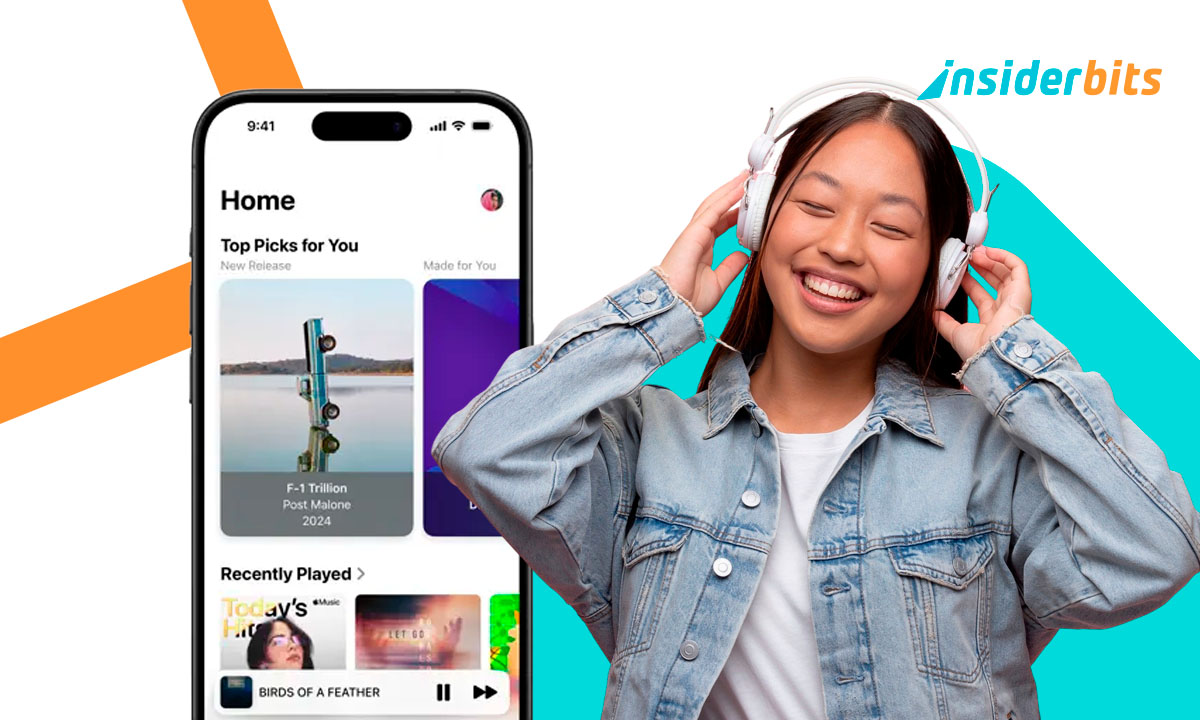
Most people think they already know what Apple Music is about. Usually, people think only about playlists, albums, the usual shuffle button, and maybe a couple of songs suggested for a rainy day. But once you spend some time with it, the service starts revealing little surprises that feel almost hidden on purpose. It behaves like a polite concierge who quietly hands you the right soundtrack at the right moment and leaves before you notice. Nothing flashy, just strangely accurate.
The funny thing is that many users never dig deep enough to notice how much the platform adapts to them. It reshapes itself around your habits in ways that feel subtle at first and then absolutely obvious once you realize what’s happening. Whether you’re exploring new genres or asking Siri for something oddly specific, Apple Music keeps weaving itself into your routine. This article highlights those benefits that stay in the background. Try Apple Music free and hear the difference today.
- Unveiling Apple Music’s 100 Best Albums
- Apple Sports – New App For Sports Fans
- Apple AirPods 4: A Game-Changer in Earbud Comfort and Performance
Benefits of Apple Music for Every Listener
One of the most charming aspects of Apple Music is how differently it behaves for different people.
For example, someone who listens to two playlists a week gets a completely different experience from someone who explores new artists daily.
Yet both feel like the app “gets” them. Even tough, Apple Music doesn’t try to overwhelm you with recommendations. It simply watches your taste evolve and adjusts quietly, almost like a DJ who can read the room without hovering over the booth.
If you remember how it was an old MP3 collection, you know how chaotic that can be. Mismatched genres, songs you forgot existed, and files with names like “Track07_v3.mp3.”
On the other hand, Apple Music treats all that with respect. It blends your existing library with streaming tracks so seamlessly that the whole collection feels curated instead of stitched together.
And let’s be honest: using Apple Music inside Apple’s ecosystem feels unfairly smooth. The transition from iPhone to Apple Watch to CarPlay is super clean.
You pause a track on your phone, and it picks up on your HomePod like you’re living inside a movie.

Step-by-Step: Discover Personalized Playlists and Radios
Here’s a simple walkthrough to make Apple Music feel like it was designed exclusively for you:
- First, open “Listen Now” on Apple Music (App Store/Google Play). This page is like your personal musical weather forecast., always shifting based on your mood, what you’ve been listening, your history, and your habits;
- Also, try to visit the “Made for You” section. This is where playlists begin to feel a little eerie, as if someone has been spying on your taste (in a friendly way);
- Try the personalized radio stations. Pick an artist or even one song you love, and the radio evolves in real time as if the algorithm is negotiating with you mid-playlist;
- Don’t forget to like the tracks that speak to you, with a single tap, you can change future playlists more than you’d expect;
- Ask Siri for something oddly specific. Siri somehow understands requests like “Play something that feels like late-night driving but without sounding sad.”;
After a few days of interaction, the service stops feeling generic and starts feeling handcrafted.

4.2/5
Features That Enhance Audio Quality and Curation
This is the part where Apple Music goes from solid streaming service to surprise every user who gives it a try.
To begin with, the lossless audio alone is a treat, especially if you enjoy hearing details you never knew existed.
Some people swear they can hear the singer inhale between verses. Others pretend they can for the sake of sophistication. Either way, the sound is noticeably richer.
Spatial Audio with Dolby Atmos adds another layer, expanding the music around you in a way that occasionally makes you turn your head because something sounded like it came from behind you.
The first time it happens, you question your speakers. The second time, you question your grip on reality. But in a good way.
And it’s not over yet. Curation is where Apple Music leans heavily on real humans. Many playlists feel like they were assembled by someone who genuinely loves the genre instead of a robot doing math with BPM numbers and mood tags.
Alongside, the little features matter too. Lyrics that sync line by line, automatic EQ adjustments with AirPods, seamless transitions between devices, all those touches create a listening experience that feels almost spoiled.
Where to Subscribe or Start a Free Trial
Subscribing to Apple Music is straightforward, but the free trial is where most people get surprised.
Depending on the device you own, Apple might offer more months than you expected. Sometimes it feels like they’re daring you not to fall in love with the service during the trial.
The official website explains each plan clearly, individual, family, and student, and the App Store or Google Play versions walk you through the setup without friction.
The moment you sign in, your library appears everywhere: phone, laptop, tablet, watch, speakers. No weird syncing issues, no missing albums, no anxiety. It’s all there instantly.
Updates roll out often, usually quietly improving the interface or boosting performance without making a big deal out of it.
And for anyone curious about switching from another platform, the trial period is the perfect arena to test everything without pressure.
4.2/5
Benefits of Apple Music You Didn’t Know About (Until Now!) – Conclusion
Apple Music has a habit of revealing itself slowly. At first, it looks simple, but the more you use it, the more it feels like the service is slowly shaping itself around your life.
Whether you crave richer sound, smoother device integration, or a music service that actually pays attention, Apple Music delivers far more than people give it credit for. It’s subtle, elegant, and surprisingly attentive.
Try Apple Music free and hear the difference today. Discover exclusive features that make Apple Music stand out.
Related: How to use Siri: iPhone voice commands made easy
Enjoyed this article? Save the Insiderbits blog to your favorites for the latest tools, creative tech tips, and photo editing breakthroughs.