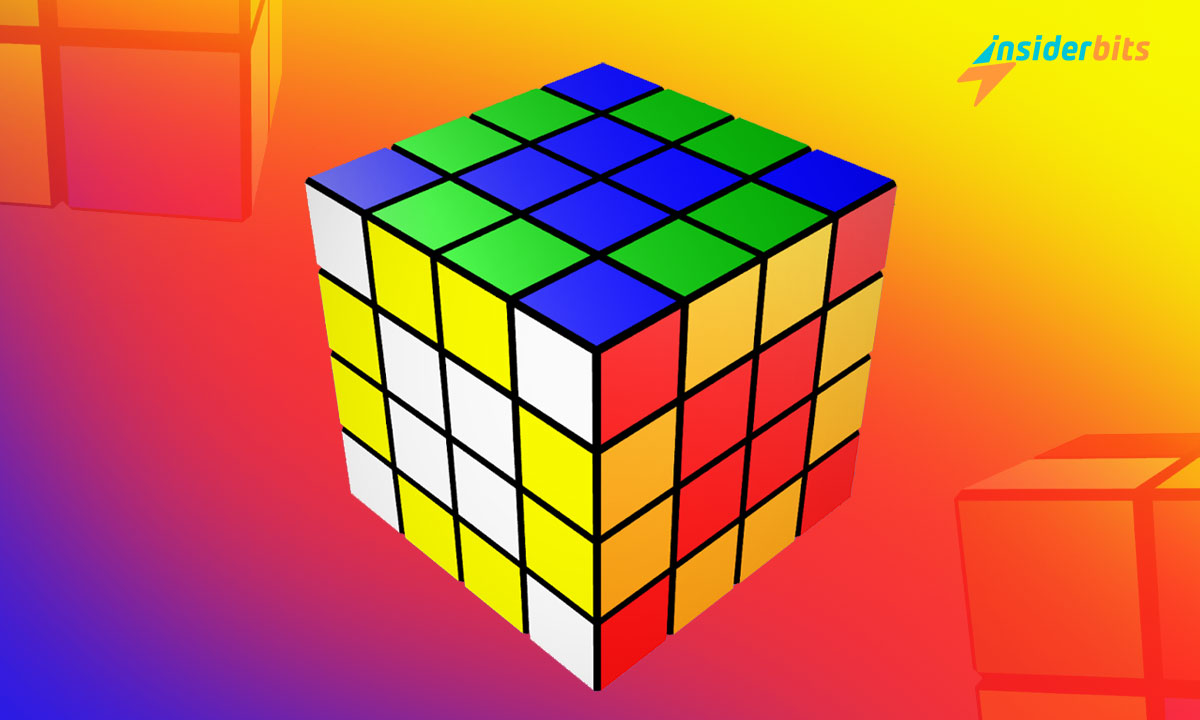
Dive into the enchanting world of Magic Cube Games, where timeless charm meets modern technology. In this article, Insiderbits will explore the top 3 Magic Cube apps that bring the beloved retro game to your fingertips.
Rediscover the joy of solving this iconic puzzle, challenge your mind, and embark on a journey of strategic thinking and skill development.
Get ready to immerse yourself in the captivating realm of Magic Cube Games like never before!
Top 3 Magic Cube Apps
Cube Solver 3D
Cube Solver 3D is a highly-rated app that provides solutions for various types of Magic Cubes, including Pocket Cube, Mirror Cube 2×2, Tower Cube 2x2x3, and Rubik’s Cube, among others.
The app can solve the classic 3×3 cube with an average of 27 moves and the 4×4 cube with an average of 63 moves. It also offers lessons for learning to solve the cube, the ability to create custom patterns, and a timer with full statistics for speedcubing.
The app requires internet access to get the solution and has received positive reviews for its accuracy and ease of use.

Magic Cube Puzzle 3D
Magic Cube Puzzle 3D is a highly-rated app on the App Store with a rating of 4.5 stars. It offers a 3D simulation of the classic Magic Cube puzzle, allowing users to rotate and manipulate the cube on their device.
The app also offers various levels of difficulty, from beginner to expert, and a tutorial for learning how to solve the cube.
Magic Cube Puzzle 3D has received positive reviews for its graphics and ease of use, making it a great option for both beginners and experienced cubers.
4.7/5
Magicube – Rubiks Cube Solver
Magicube – Rubiks Cube Solver is a popular and highly-rated app available on the iOS platform that allows users to play and solve the classic Rubik’s Cube puzzle. It offers a variety of features that make it a great choice for both beginners and experienced cubers.
The app also features skins for cubes and backgrounds, ambient sounds, and realistic 3D graphics that make the cubing experience more immersive and engaging.
Magicube is a highly-rated and popular app that offers a variety of features for both beginners and experienced cubers.
4.7/5
The Benefits of Playing the Magic Cube Game
Playing this retro game, also known as the Rubik’s Cube, offers a range of benefits for both children and adults.
Here are some of the advantages of engaging in this classic puzzle game:
Problem-solving skills
Solving the Magic Cube requires breaking down a complex problem into smaller, manageable parts, which helps develop problem-solving abilities.
Keeps the mind active
The game stimulates cognitive and analytical skills, enhancing visual and spatial intelligence capabilities.
Boosts reflexes
The Magic Cube enhances eye-hand coordination, improving reflexes and synchronization.
Increases speed and agility
Mastering the cube involves developing cognitive abilities related to speed and agility, which can lead to quicker problem-solving.
Improves concentration and configuration
Solving the Magic Cube requires focus and attention to detail, which can help improve concentration and spatial awareness.
Enhances observation skills
The game encourages better observation, which is crucial for day-to-day tasks and building a better awareness of the world around us.
Builds patience and perseverance
Learning to solve the Magic Cube takes time and effort, teaching the importance of patience and persistence.
Provides a sense of accomplishment
Solving the cube can bring a sense of satisfaction and achievement, boosting self-confidence and self-esteem.
Best Magic Cube Games – Conclusion
In conclusion, the Magic Cube Game is a timeless puzzle that has captivated people for decades. With the advancement of technology, there are now numerous Magic Cube apps available that offer various features and game modes to enhance the cubing experience.
These magic cube apps offer a range of features that cater to both beginners and experienced cubers.
From solving the cube with just a few taps to practicing with different cube sizes and game modes, these apps provide a fun and engaging way to improve cubing skills and enjoy the classic puzzle.
Related: Stitch. A Creative Puzzle Game
Like this article? Add the Insiderbits blog to your favorites and visit us whenever you want to learn new and exciting information about technology and much more!